7 best Bullhorn alternatives for staffing agencies

Bullhorn is a big name in staffing. But that doesn’t mean it’s the best ATS for every agency.
Maybe the pricing no longer makes sense. Maybe you’re paying for features you don’t use, need better sourcing tools for executive search or want payroll and billing built into your ATS. Whatever the reason, there are plenty of Bullhorn alternatives worth considering.
In this blog, we compare 7 ATSs: Crelate, Loxo, JobAdder, JobDiva, Avionté, PCRecruiter and Top Echelon. You’ll find their pricing, reviews, strengths and trade-offs to help you decide which one fits your agency.
One thing before we begin: We built CallMantra, an all-in-one phone system for staffing agencies, with calling, texting, AI call summaries and note-taking, SMS automation, number monitoring, recruiter analytics and ATS sync. It also integrates with 15+ ATSs.
A snapshot of the best Bullhorn alternatives
| ATS | Starting price | Capterra* | CallMantra integration |
| Crelate | $85/user/month, billed annually | 4.5 (443) | Yes |
| Loxo | $149/user/month, billed annually | 4.6 (134) | Yes |
| JobAdder | Quote only | 4.4 (161) | Yes |
| JobDiva | Quote only | 4.5 (1,185) | Yes |
| Avionté | Quote only | 3.9 (168) | Yes |
| PCRecruiter | From $125/user/month | 4.3 (380) | Yes |
| Top Echelon | $79/user/month, billed annually | 4.6 (515) | Yes |
How we chose these seven Bullhorn competitors
A few things guided the shortlist:
Who made the list: We included ATS platforms built for staffing and recruitment agencies, from executive search firms to contract staffing businesses.
Pricing: We took prices directly from vendor websites
What to watch for: We’ve pointed out the things that could make a difference when choosing an ATS, including plan limits, missing features and extra costs.
Note: Last verified – November 3, 2026. Information is based on publicly available vendor sources and may change. Please verify current details directly with the respective vendors.
The 7 best Bullhorn alternatives
1. Crelate: ATS and recruiting CRM together
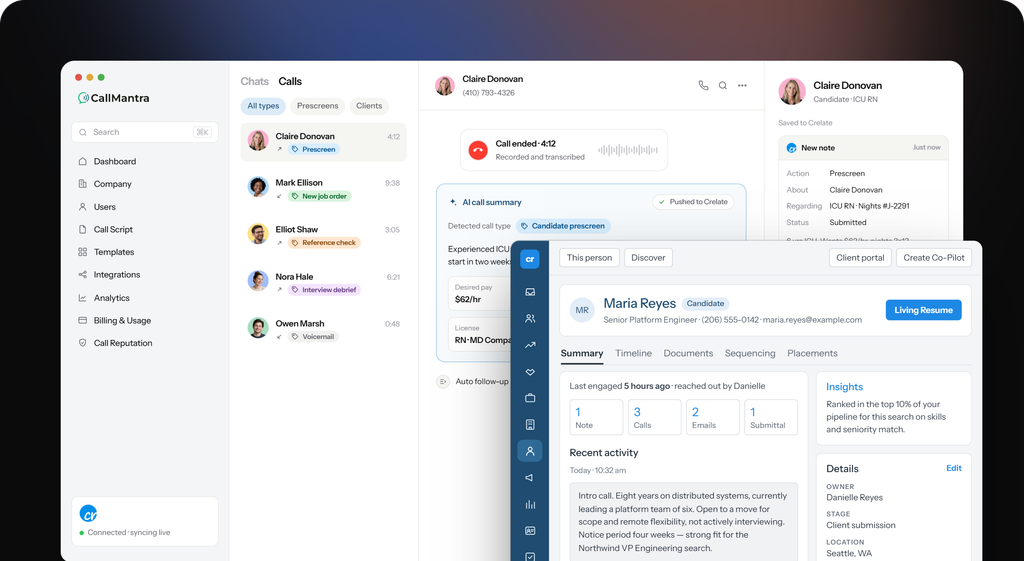
Crelate combines applicant tracking and recruiting CRM functionality in one platform. It is used by staffing and executive search firms that want to manage candidates, clients and recruitment activity together.
Best for: Small to mid-size agencies that want ATS and CRM capabilities in one place without taking on Bullhorn’s per-seat cost.
Price:
- Crelate Essentials – $85 per user per month, billed annually. It supports up to two users and 20,000 contacts.
- Business costs – $119 per user per month and is available with annual or monthly billing.
- Business Plus is custom-priced and adds automation, sequences, full API access and Marketplace partners.
Capterra: 4.5 out of 5 from 443 reviews.
What to watch: Essentials is limited to 2 users. Some integrations and advanced capabilities are also tied to Business Plus. If your agency needs more than basic ATS functionality, compare the price of the plan you’ll actually use rather than the entry-level figure.
CallMantra integration: CallMantra integrates with Crelate and is listed on the Crelate Marketplace. ✓
Why consider it: Crelate makes its per-user pricing easy to find and offers monthly billing on its main Business plan. That gives smaller agencies more visibility into what they’re committing to.
2. Loxo: an ATS with a sourcing database built in
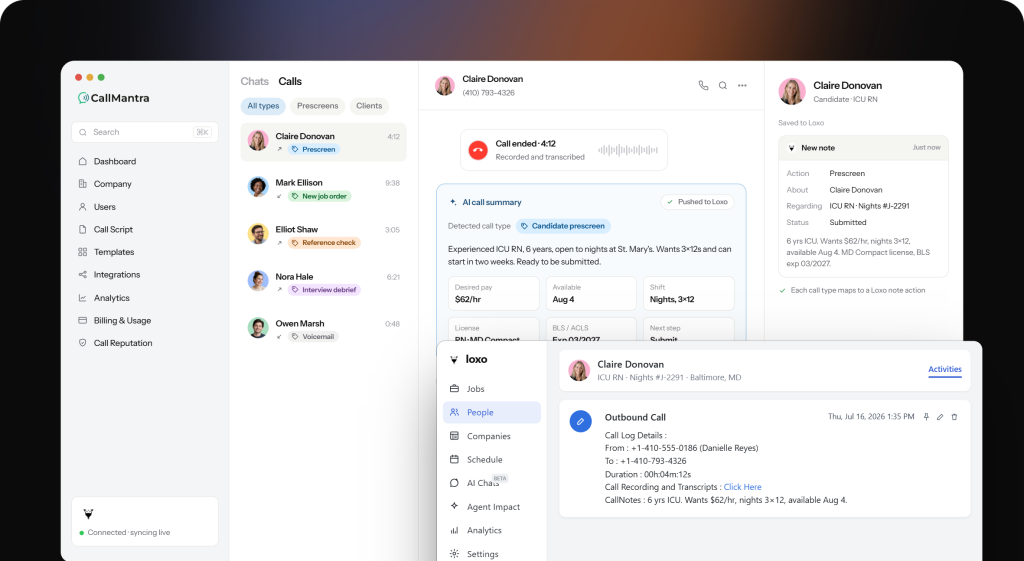
Loxo describes itself as a talent intelligence platform. It combines ATS and CRM capabilities with AI-powered search and sourcing tools. Its Professional plan includes Loxo Source, a database of 850 million+ professional profiles.
Best for: Executive search firms and recruitment teams that spend a significant amount of time finding and approaching new candidates.
Price:
- Core – starts at $149 per user per month, billed annually and paid upfront.
- Professional – Custom pricing. Includes Loxo Source, AI agents and API access, with pricing provided through a demo.
- Enterprise – Custom pricing.
Loxo also offers free migration for teams with three or more seats.
Capterra: 4.6 out of 5 from 134 reviews.
What to watch: Core requires an annual commitment paid upfront. API access is listed under Professional, not Core, so check the plan requirement if you intend to connect other tools.
CallMantra integration: CallMantra integrates with Loxo. ✓
Why consider it: Loxo brings sourcing and ATS functionality together. For firms that regularly build candidate pipelines from scratch, having those tools in one platform may reduce the need for a separate sourcing database.
3. JobAdder: a simpler option for day-to-day recruitment work
JobAdder is an ATS and CRM built for recruitment agencies. It includes job advertising and multi-posting, along with tools for managing candidates, clients and recruitment activity.
Best for: Agencies that want a straightforward daily workflow and would like new recruiters to get productive quickly.
Price: Quote only. Its plans are Recruiter Lite, Recruiter Essential and Recruiter Pro. Open API access starts on Recruiter Essential. JobAdder says annual contracts are standard, with payment available monthly or yearly.
Capterra: 4.4 out of 5 from 161 reviews.
What to watch: JobAdder doesn’t publish its prices.Some add-ons may carry separate costs. Ask for a quote that includes the features your team needs.
CallMantra integration: CallMantra integrates with JobAdder. ✓
Why consider it: JobAdder includes job posting to recruitment boards as part of its platform. If your agency currently relies on separate tools for that work, it’s worth checking how much you could consolidate.
4. JobDiva: built for high-volume staffing and VMS workflows
JobDiva brings together ATS, CRM and onboarding functionality with back-office tools through DivaFinancials. It also supports VMS synchronization, making it relevant to staffing firms that work with large client programmes and vendor management systems.
More than 40,000 recruiters use its platform and it has over 100 built-in integrations.
Best for: Larger staffing firms that receive job orders through VMS platforms and want front office and back-office workflows connected.
Price: Quote only. JobDiva doesn’t publish standard pricing.
Capterra: 4.5 out of 5 from 1,185 reviews.
What to watch: JobDiva covers a lot of ground. A five-person agency may find that it offers more functionality than the team needs. During a demo, focus on the workflows you’ll actually use and ask how the price changes as your team grows.
CallMantra integration: CallMantra integrates with JobDiva. ✓
Why consider it: VMS synchronization is a core part of JobDiva’s positioning. For contract staffing desks dealing with large volumes of job orders, that can be more relevant than a platform focused mainly on direct-hire recruitment.
5. Avionté: recruiting, payroll and billing in one platform
Avionté connects front office recruitment functionality, including ATS and CRM, with payroll, billing and reporting. It is designed for staffing firms that need to manage more than candidate sourcing and placements.
Best for: Temporary and contract staffing agencies that handle their own payroll and billing.
Price: Quote only. Avionte doesn’t publish standard pricing.
Capterra: 3.9 out of 5 from 168 reviews, including 3.6 for value for money.
What to watch: Avionte has a relatively Capterra rating among the seven options in this comparison. But that definitely doesn’t tell you whether it will work for your agency, but it makes customer references particularly important. Ask to speak with a current customer that has a similar team size and staffing model.
CallMantra integration: CallMantra integrates with Avionté. ✓
Why consider it: Payroll and billing sit alongside the recruitment workflow. For agencies placing temporary workers, having those operations connected can reduce the need to move information between separate systems.
6. PCRecruiter: an ATS that puts support first
PCRecruiter is an ATS and recruitment CRM as well. It has served recruiters since 1998 and supports staffing agencies and search firms.
It lets you tailor fields, forms, candidate pipelines and dashboard layouts to match how your agency works. You don’t need coding skills to make these changes.
Best for: Growing agencies and search firms that value hands-on support and want a system that can be configured around the way their desk works.
Price: Starts at $125 per user per month. PCRecruiter states that there is no minimum or maximum seat count and that the per-user rate stays the same or decreases as more seats are added. There is a one-time setup fee, while migration is quoted separately.
Capterra: 4.3 out of 5 from 380 reviews, including 4.6 for customer service.
What to watch: PCRecruiter doesn’t offer a free trial. Instead, prospective customers can book a 20-minute call and a configured demo. Include the setup fee and migration quote when comparing its total cost with other Bullhorn alternatives.
CallMantra integration: CallMantra integrates with PCRecruiter. ✓
Why consider it: PCRecruiter handles both candidate management and business development. Recruiters can manage talent pools, client relationships and sales pipelines from the same system. Also, instead of organizing everything around individual jobs or candidates, PCRecruiter puts the company record at the center. This helps reduce duplicate entries and track candidates across different clients and roles. PCRecruiter is relatively direct about its pricing and renewal approach.
7. Top Echelon: recruiting software with a split-placement network
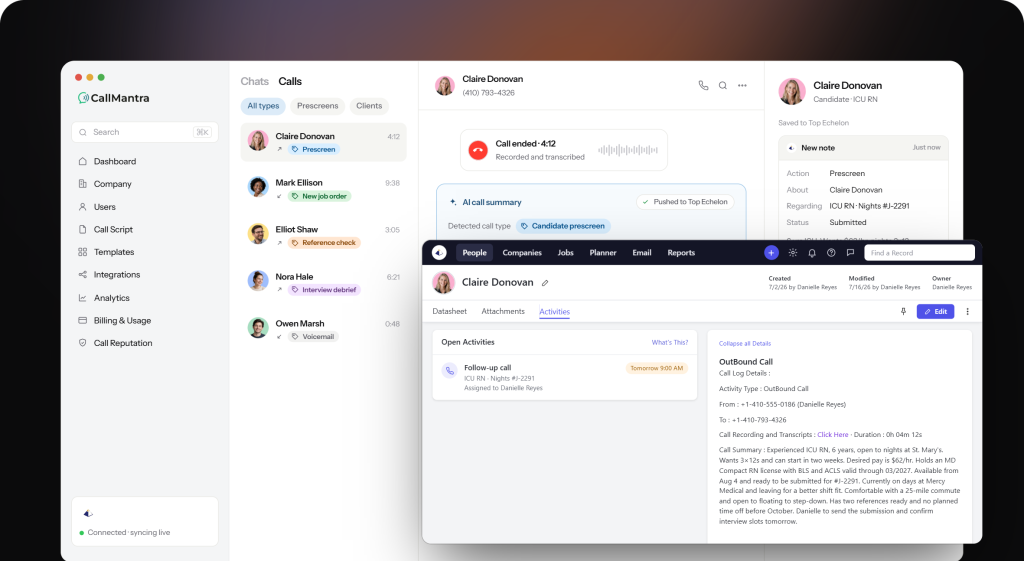
Top Echelon offers TE Recruit, an ATS and CRM formerly known as Big Biller, alongside TE Network, its split-placement network for recruiters.
The platform is aimed at recruitment agencies and smaller staffing firms, particularly those that collaborate with other recruiters to fill roles and share placement fees.
Best for: Boutique direct-hire firms and agencies that regularly make split placements with other recruiters.
Price:
TE Recruit Standard – $79/user/month when billed annually, or $95 monthly
Professional costs $95/user/month annually, or $115 monthly.
Professional adds Smart-TE AI, automations, sequences and API access. TE Network costs $135 per month per agency when billed annually, or $150 monthly, plus a $350 startup fee. Top Echelon advertises no contracts and offers a free trial.
Capterra: 4.6 out of 5 from 515 reviews.
What to watch: Top Echelon is built around recruiting agencies and smaller staffing firms. It isn’t a like-for-like replacement for a platform that includes payroll, billing or extensive VMS workflows. If those are important to your business, compare it with JobDiva or Avionté.
CallMantra integration: CallMantra integrates with Top Echelon. ✓
Why consider it: The split-placement network is the standout feature. Agencies can use TE Network to work with other recruiters on placements, rather than relying entirely on their own candidate and client relationships.
Other Bullhorn competitors worth considering
The 7 platforms above aren’t the only Bullhorn competitors worth looking at. Depending on your agency’s size and specialism, these may also belong on your shortlist.
01. Manatal: an ATS for smaller agencies
Manatal is a lower-cost ATS aimed at smaller recruitment teams. It is worth a look if your agency wants a simpler platform and doesn’t need the full range of back-office capabilities found in larger staffing systems. CallMantra integrates with Manatal.
02. Stardex: an AI-focused option for executive search
Stardex is an AI-native ATS and CRM aimed at executive search firms. It is worth exploring if your team wants recruitment workflows built around AI-assisted search and candidate management. CallMantra integrates with Stardex.
Look beyond the ATS
Finding the right ATS is a big step. But recruiters spend just as much time calling candidates, following up on texts and keeping conversations moving as they do managing records in an ATS.
That’s where CallMantra comes in. It’s a phone system built for staffing agencies, bringing the tools recruiters use every day into one place:
- Calling and texting
- AI note-taking and call summaries
- Call intelligence
- SMS automation
- Custom AI prompts
- Power dialer and voicemail drop
- Ask AI
- Recruiter analytics
- Web, mobile and desktop apps
- 15+ ATS integrations
So, whether you stick with Bullhorn or move to another ATS, CallMantra can help. Try free for 14 days.
Frequently asked questions
Are any Bullhorn competitors now owned by Bullhorn?
Yes, quite a few actually. A few platforms that still show up in older lists of Bullhorn alternatives are now part of Bullhorn's portfolio. Here's who owns what:
- Invenias: Executive search software acquired by Bullhorn in July 2018.
- Jobscience: A Salesforce-based recruitment platform acquired in March 2018.
- Talent Rover: Also built on Salesforce and acquired in March 2018. Jobscience and Talent Rover later became part of the foundation for Bullhorn Recruitment Cloud.
- TargetRecruit: A Salesforce-based front and middle office platform used in healthcare staffing, acquired in August 2025.
How much does Bullhorn cost?
Bullhorn's published pricing lists Starter at $99 and Core at $165 per user per month.
Pro, Max, Front Office Growth, Front Office Enterprise, Bullhorn One and Bullhorn Recruitment Cloud are quote based. Bullhorn Messaging, Analytics, Onboarding and Middle Office are sold separately.
The total cost depends on the plan and add-ons your agency needs.
What are the best ATS alternatives to Bullhorn?
For staffing agencies, seven options worth comparing are Crelate, Loxo, JobAdder, JobDiva, Avionté, PCRecruiter, and Top Echelon.
What's the best Bullhorn alternative for recruiters at a small agency?
Our pick - Crelate, Top Echelon and Loxo.
Bullhorn also offers its own small-agency plans, Starter and Core. Compare the features included in each plan rather than choosing on the starting price alone.
What should you check before switching from Bullhorn?
Before moving to a new ATS, sort out a few things beyond the candidate data. Here's what to check so you don't run into surprises halfway through the switch
1. Your contract - Check your Bullhorn order form for the renewal date, contract length and notice period. Don't rely on the public pricing page. Give yourself enough breathing room to move without getting caught by an automatic renewal.
2. Your data - List everything you need to take with you, for example - candidates, contacts, companies, job orders, placements, notes, activity history, etc. Ask the new vendor what's included in migration, what costs extra and how long it takes. For example, Loxo offers free migration for teams with 3+ seats and PCRecruiter quotes migration upfront and estimates 2-8 weeks for a full move.
3. Your integrations - Make a list of the tools connected to Bullhorn, including job boards, VMS feeds, background checks, payroll, reporting tools and your phone system. Check that the new ATS supports each one, what the integration actually does and whether it needs a specific plan or extra setup fees. Our guide to the best Bullhorn integrations is a useful place to start.
4. API access - Some integrations need API access, which may only be available on higher plans. Check the exact plan requirements before signing up. Having an API doesn't always mean you get access to it on the entry level plan
5. Reporting and activity history - If your managers track calls, notes and follow-ups, make sure those activities carry over properly. One JobAdder agency raised this during a CallMantra demo because its activity types feed reports outside the ATS. Small details like this can leave managers with incomplete reports after the switch.
6. Your phone numbers - If your calling and texting tool is tied directly to Bullhorn, find out what happens to your numbers and messaging setup when you leave. Bullhorn Messaging, for example, is sold as a Bullhorn add-on. But if you use an independent phone system, you may be able to keep it and simply reconnect it to your new ATS. We'll explain how that works below.
Which is better: Bullhorn vs Zoho Recruit?
It really comes down to the the size of your agency and what you need from the platform.
Bullhorn is basically built only for staffing and has a large partner marketplace, with more than 300 partners listed. Zoho Recruit is considerably cheaper, offers a free plan and may suit agencies already using other Zoho products.
Which Bullhorn alternative should you choose?
The right option really depends on what your agency needs most:
- Running a 2 to 20 person agency? You could probably start with Crelate or Top Echelon. Their pricing is aimed at smaller teams.
- Focused on executive search? Loxo is what we’d recommend personally. On a side note, Stardex ATS is also worth a demo.
- Placing temporary staff or contractors? Compare Avionté and JobDiva if payroll, billing and VMS workflows are important.
- Need responsive phone support? PCRecruiter puts its US based support team front and centre.
Make split placements with other recruiters? Top Echelon has its own split-placement network.
Is Bullhorn a CRM or an ERP?
Bullhorn is an ATS and recruitment CRM built for staffing agencies.
It includes tools for managing candidates, clients, jobs and recruitment activity. Bullhorn One adds back-office capabilities such as timesheets, invoicing and pay and bill. That makes Bullhorn One broader than a standard ATS or CRM, but Bullhorn is definitely not a general purpose ERP system.
Is Bullhorn a Salesforce product? How does Bullhorn vs Salesforce compare?
No. Bullhorn is an independent, privately held company based in Boston. It is not owned by Salesforce.
However, here’s the thing, Bullhorn does offer Recruitment Cloud, which runs on Salesforce.
So when comparing Bullhorn vs Salesforce, it's important to distinguish Bullhorn's own recruitment platform from Recruitment Cloud, which is built on Salesforce technology.
How do I migrate from Bullhorn to another ATS?
Here’s how we recommend going about this.
- Start by checking your contract end date, renewal terms and notice period. Then go ahead and make a list of the data and integrations your agency needs to move.
- Ask the new ATS provider what its migration includes, what it costs and how long it takes. Pay particular attention to candidate and client records, notes, attachments, placements and activity history.
- Map Bullhorn's note actions to the new ATS's activity types so that recruiter activity and management reports remain consistent. If possible, run both systems side by side for a short period before fully switching over.
Can I keep my phone numbers if I switch from Bullhorn?
Yes, provided your phone system isn't tied to Bullhorn and your numbers can remain with that provider.
And with CallMantra, your recruiters can keep using the same numbers and phone app while you connect the platform to your new ATS.