
Call logging
Keep calls and texts on the right record
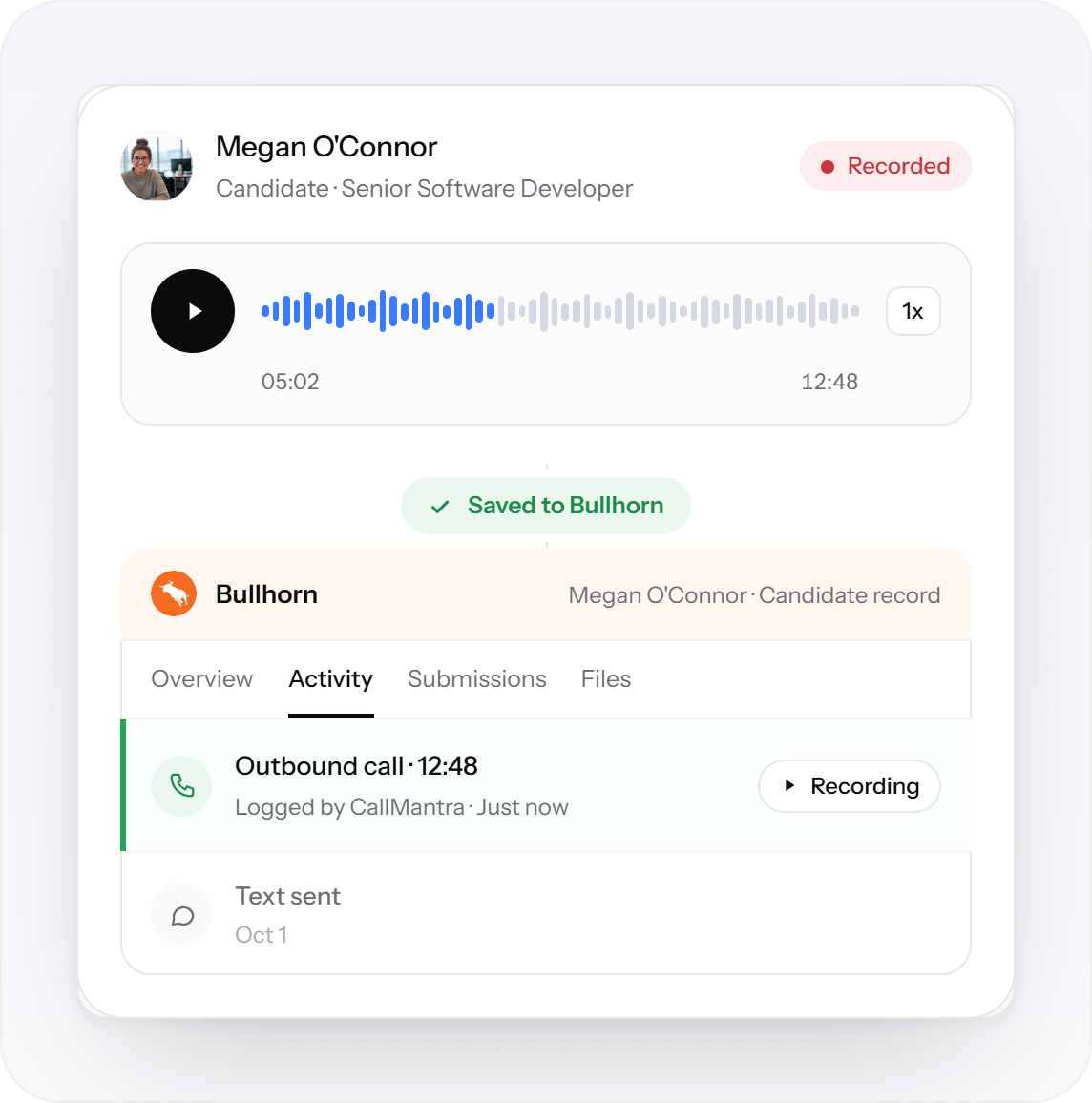
Calls and texts are saved on the matching Bullhorn candidate or contact. Call outcomes use the note action your reports count, so managers can trust their activity numbers.
Calling, texting, AI-powered call notes, SMS automation, recruiter analytics, and more, built to work with Bullhorn.
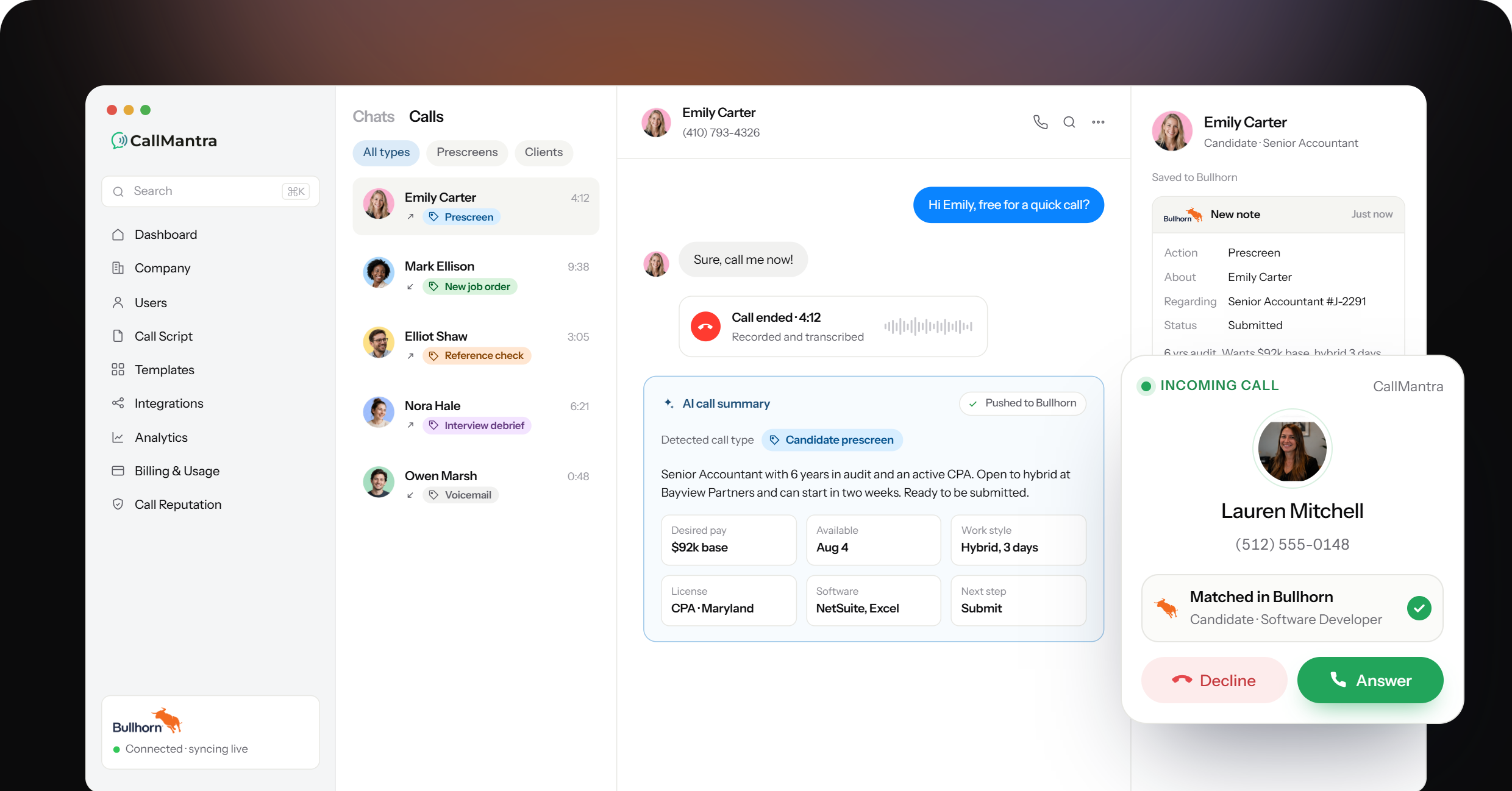
Calls and texts are saved on the matching Bullhorn candidate or contact. Call outcomes use the note action your reports count, so managers can trust their activity numbers.
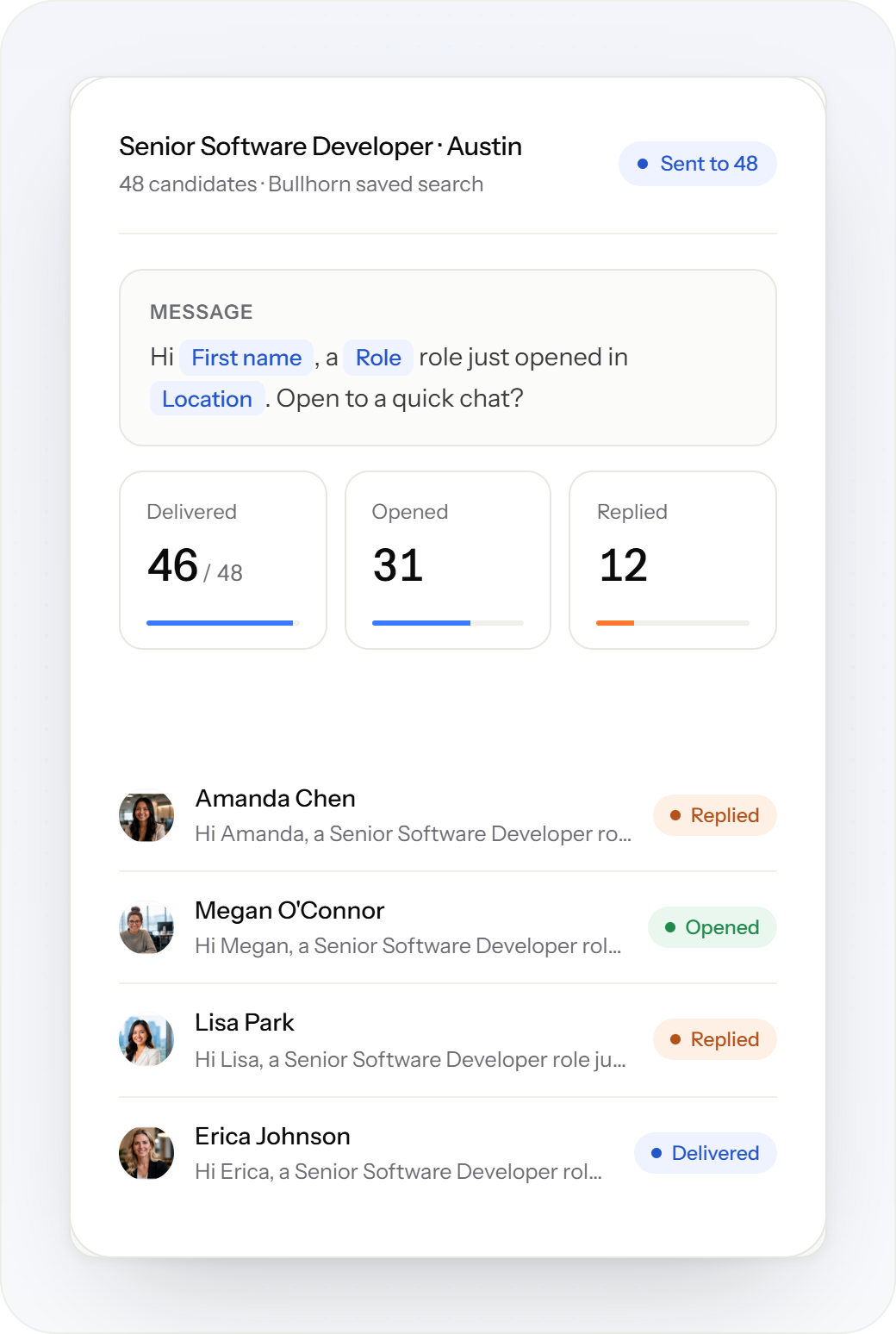
Call and text from the same business number. Text 1-1, personalize messages with AI, reach entire Bullhorn lists with Power SMS, and automate follow-ups with SMS Sequencing.
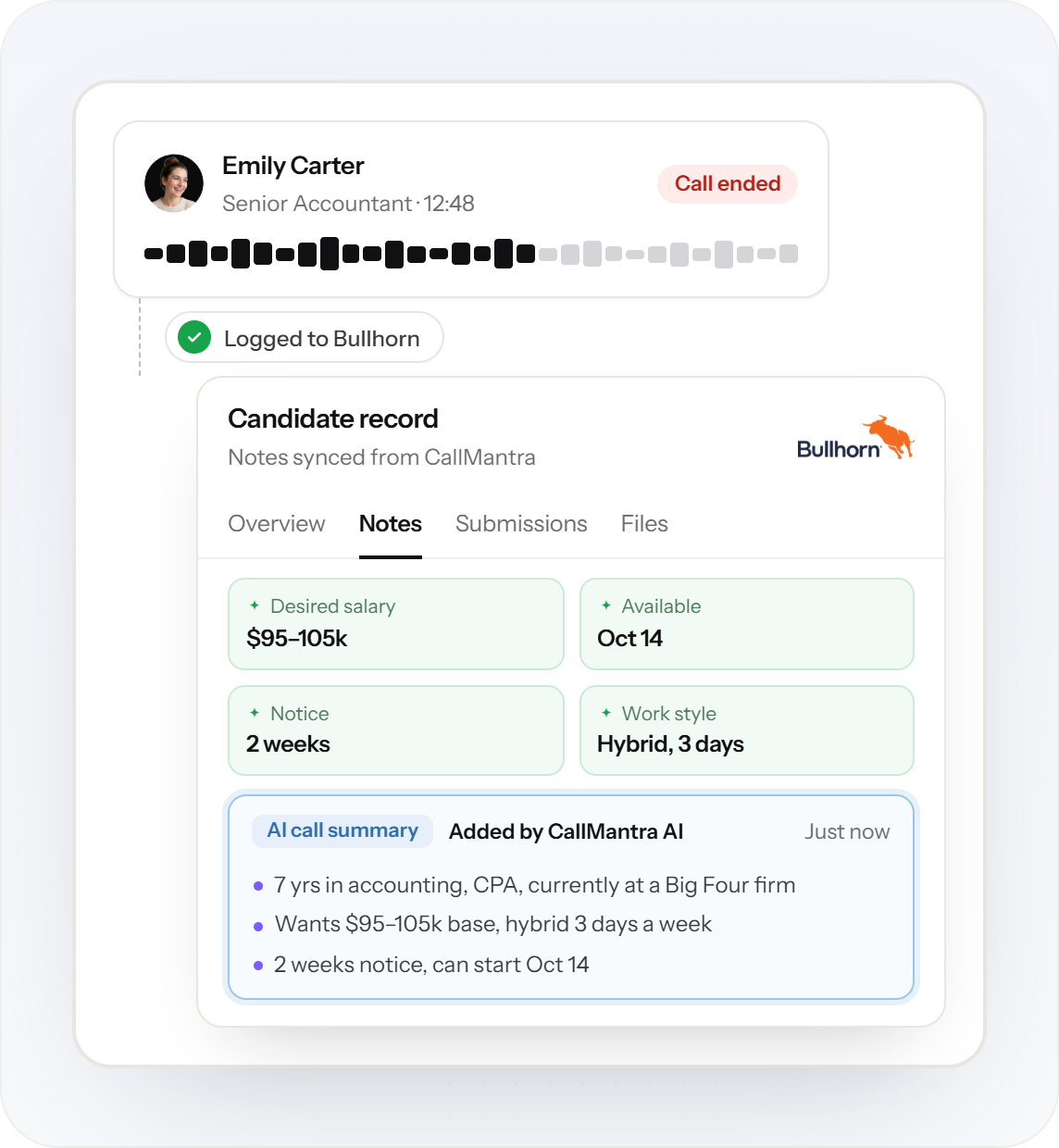
AI generates call summaries tailored to each call type, links to the full transcript, and updates fields, reducing manual data entry.
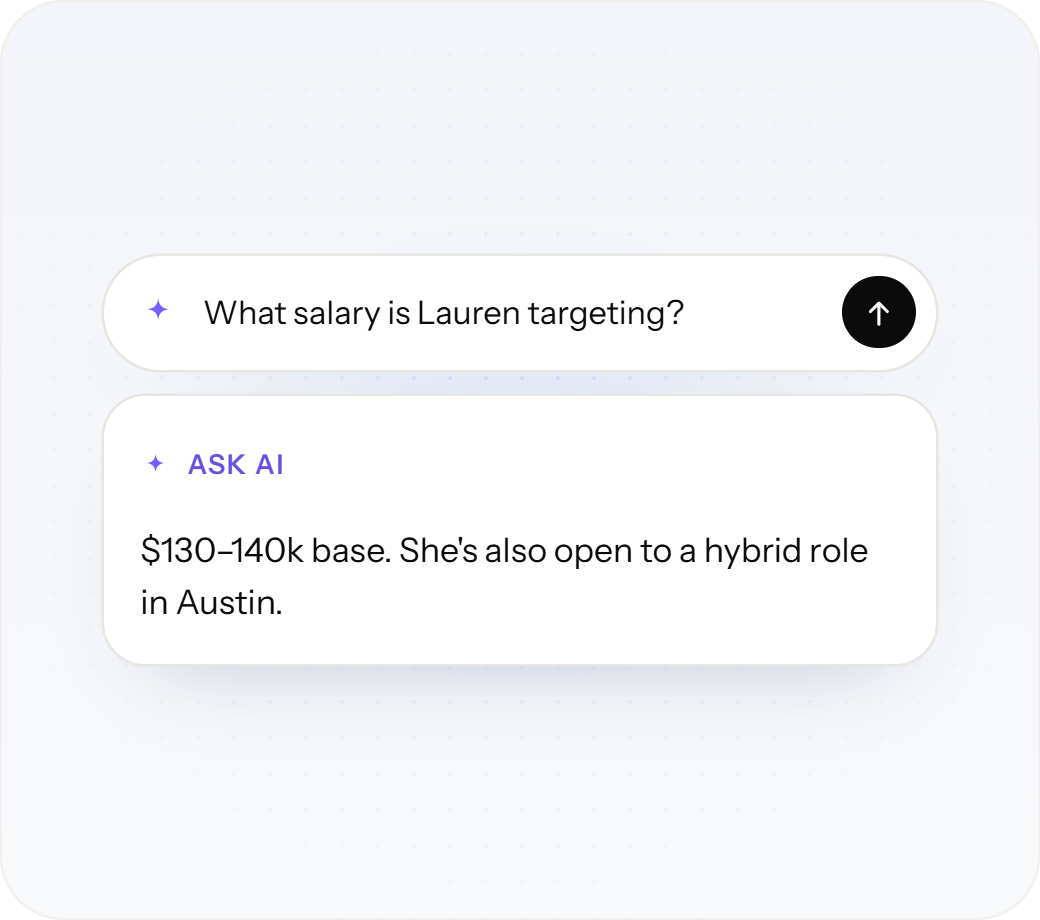
Ask questions across a candidate's call history to quickly find important details without listening to recordings or searching through transcripts.
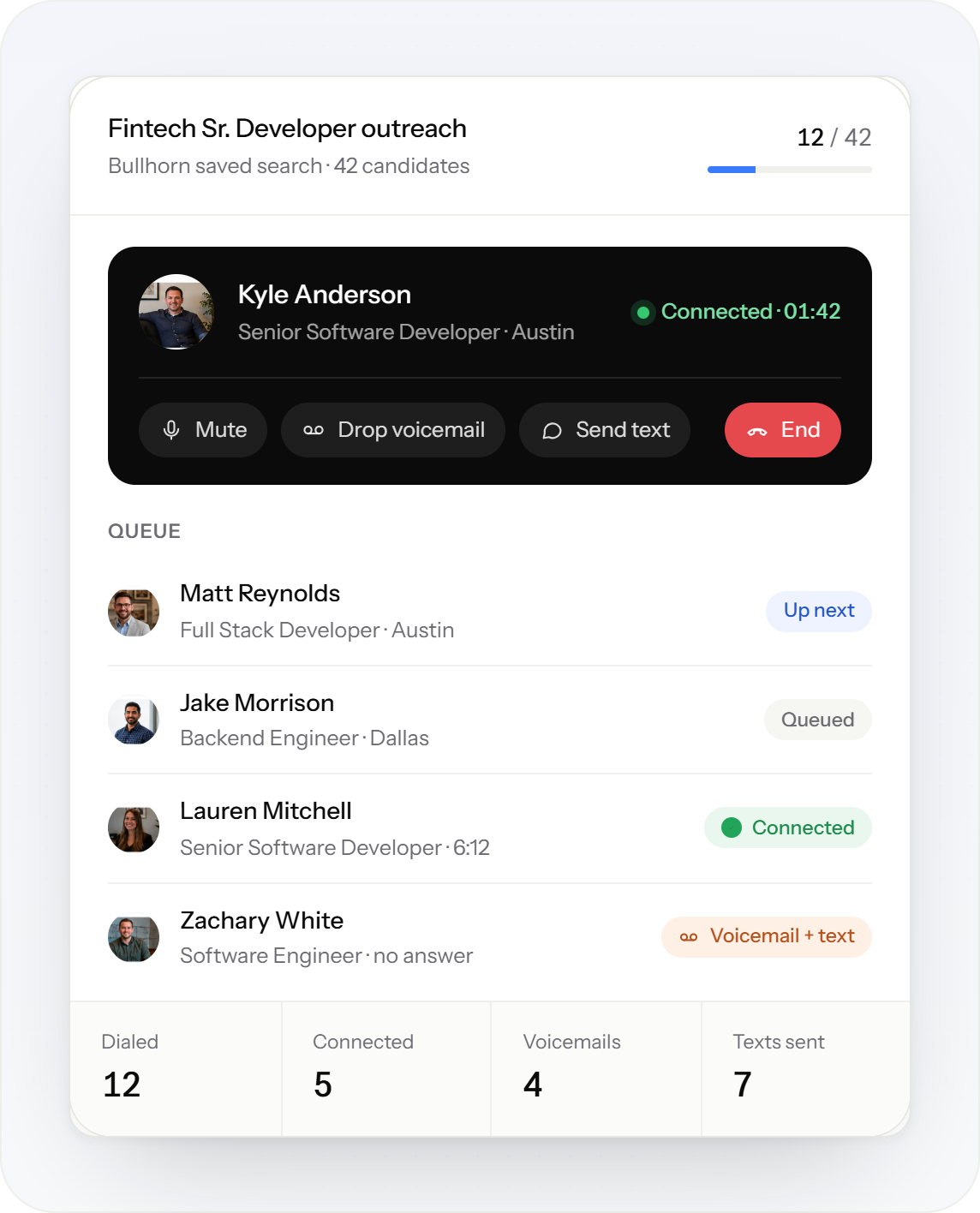
Upload your candidate list and hit start. CallMantra dials each candidate, drops a voicemail and sends a follow-up text when they don't answer, then moves on to the next.
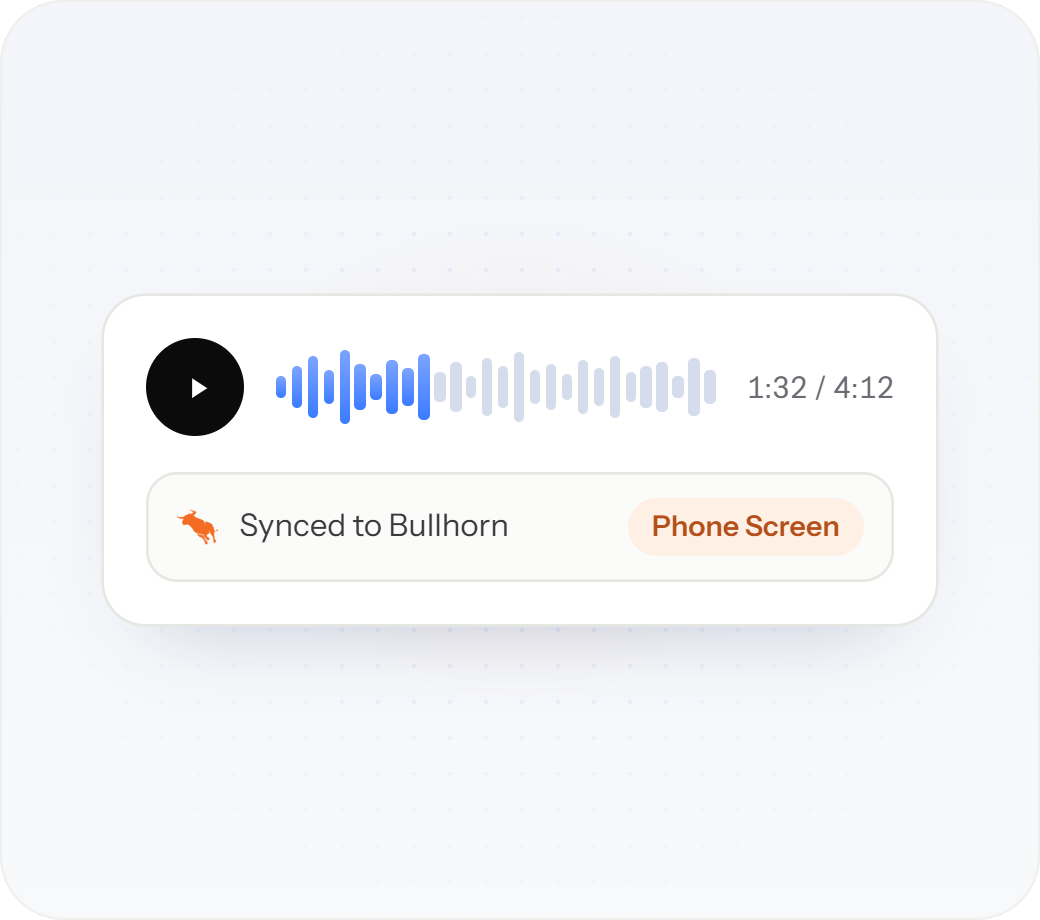
Recordings are linked from the Bullhorn note, making it easy to check what was discussed without chasing down details.
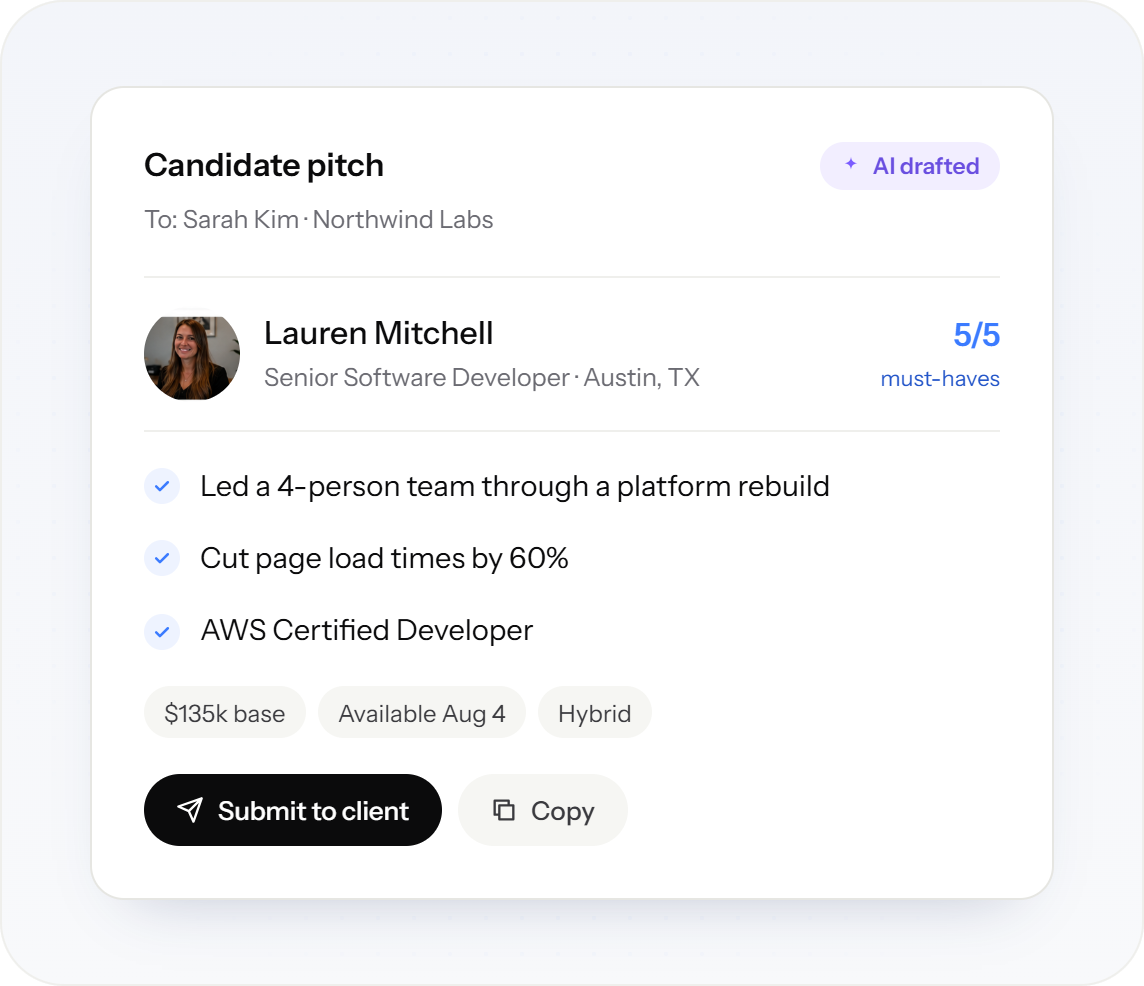
Use AI-powered candidate pitches to present candidates to clients with less manual writing and more time to focus on placements.
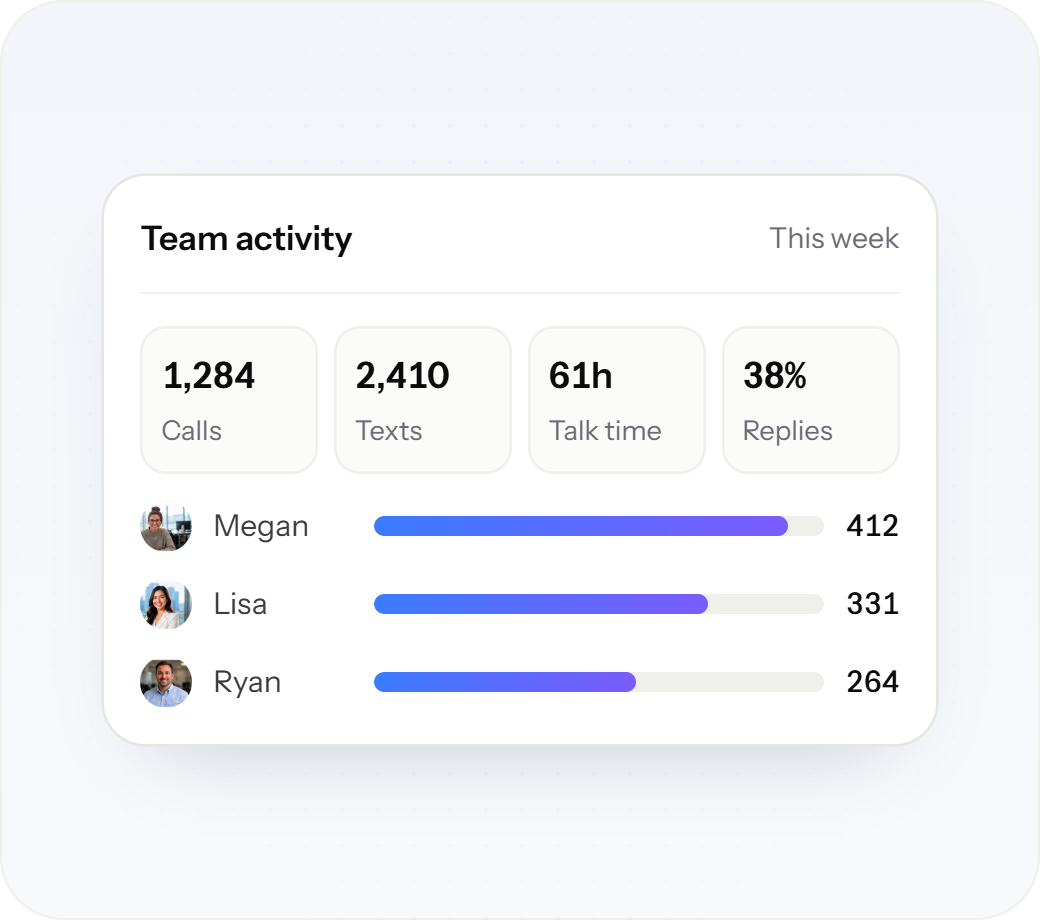
Track calls, texts, talk time, and replies by recruiter or team, using activity logged to Bullhorn.
“We switched, best decision ever. CallMantra's AI does the heavy lifting - smart texts, auto-logged call summaries, candidate pitches, even coaching tips.”
 Alyssa Martins VP @ ExpertHiring
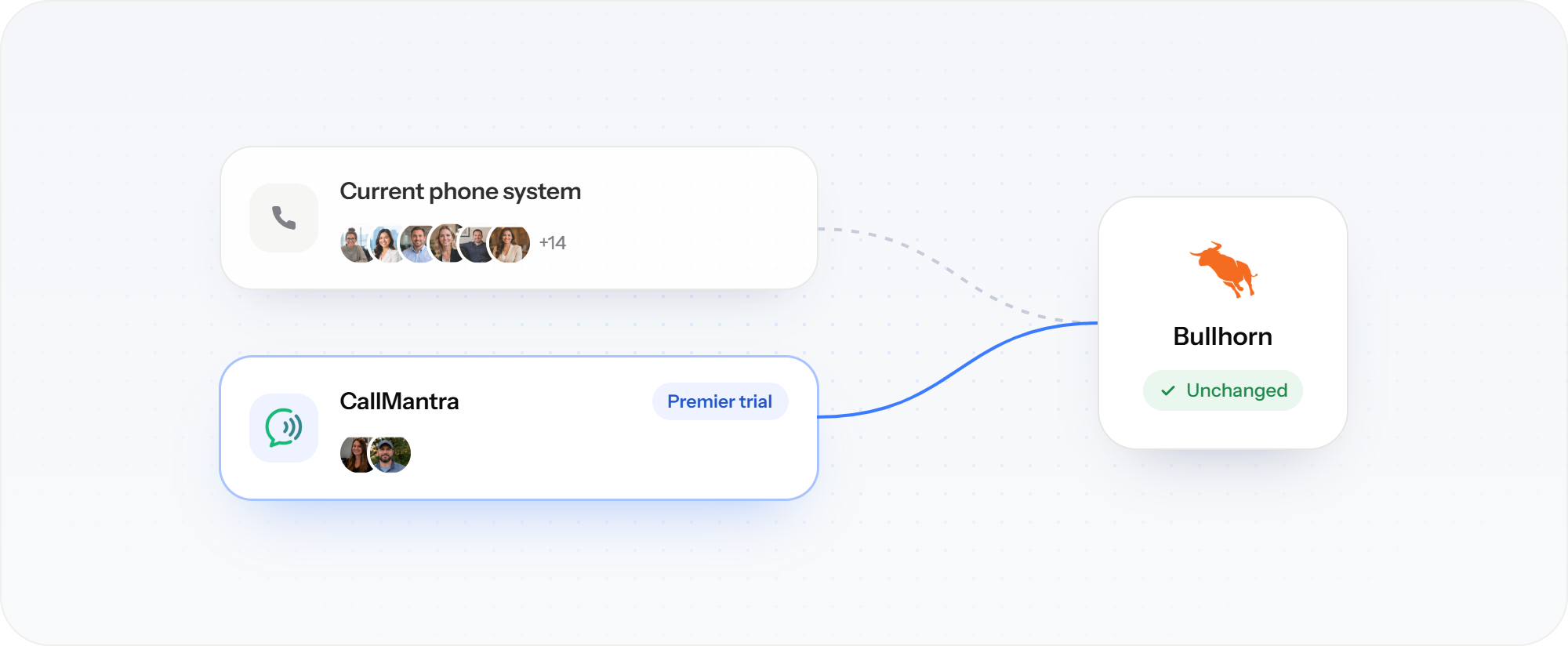
Try it with a couple of recruiters while everyone else carries on as normal. Nothing in Bullhorn changes.
“Our Bullhorn admin doesn’t have time”
We do the setup with them during free onboarding.

“We want to keep our numbers”
You keep them. Your old line works until we’ve moved them over.
“We’re still under contract”
Test now and switch when it ends.
“We’ve been locked in before”
Billing is month-to-month. Stay because it works.
If you're dealing with dropped calls, unexpected add-on fees, long contracts, call details that don't sync properly with Bullhorn or a clunky app that slows recruiters down, it may be worth exploring alternatives like CallMantra.
If you're looking for more than just call notes, CallMantra brings everything together in one phone system built for recruiters. From calling and texting to AI call intelligence, automated SMS follow-ups, call summaries, and recruiter analytics, it gives your team the tools to handle candidate conversations from start to finish, all connected to Bullhorn.
Call activity can become difficult to trust when calls are logged under the wrong note action, incoming callers aren't matched to the right person, or recruiters have to update records manually.
Recordings may also live in the phone system instead of alongside the Bullhorn note. And when recruiters fall back on personal phones, those conversations can be missing from the candidate record altogether. A good Bullhorn phone integration should keep call activity connected to the records your team uses every day.
Yes. Recruiters can call and text candidates from the same business number, so they don't have to juggle separate numbers for calls and messages. Text conversations are saved to the Bullhorn record, and Premier plan adds Power SMS and SMS Sequencing to help recruiters send bulk texts and automate follow-ups.
No. Bullhorn is a system of record for recruiting, not a phone service. To make and receive calls, your team needs a phone provider that connects with Bullhorn. CallMantra uses Bullhorn's API to connect calling and texting with your recruiting workflow, logging activity as notes on the relevant records.
The best Bullhorn calling integration is one that fits how your team works and keeps its activity data useful. Before choosing one, check whether it:
To explore more tools that can help your recruiting team work smarter, check out our guide to the best Bullhorn integrations every recruiter should know.
Most Bullhorn phone integrations need a Bullhorn admin to authorize access because the integration interacts with your records.
Depending on the provider, setup may also require API credentials from Bullhorn Support. For CallMantra, the onboarding process includes connecting Bullhorn, configuring the recruiter setup and testing a call against an existing record.
CallMantra supports calling from its mobile apps, desktop apps, web app and Chrome extension. The intended workflow is to log calls to the matching Bullhorn record across devices.
Yes. CallMantra is a cloud-based phone system that integrates with Bullhorn so there’s no on-site phone hardware to install. Recruiters can call and text from supported web, desktop and mobile apps, with calls connected to their Bullhorn workflow.
Call recording is included on the Pro and Premier plans, and the recording link is saved with the call in Bullhorn. AI call summaries are included on Premier.
Absolutely. Your current phone numbers can be ported to CallMantra, and your existing provider continues handling calls until the port is complete. You can always start by testing CallMantra with one or two recruiters before moving the wider team.
CallMantra plans start at $20.95 per user per month when billed annually, or $25.95 per user per month with month-to-month billing. The Bullhorn integration is included.
You can mix plans by seat, with a minimum of 3 licenses, and there is no long-term contract. See CallMantra pricing for full plan details.
From click-to-call and business texting to AI call notes and SMS automation, CallMantra keeps your recruiting communications connected to Bullhorn.


