Crelate auto call logging
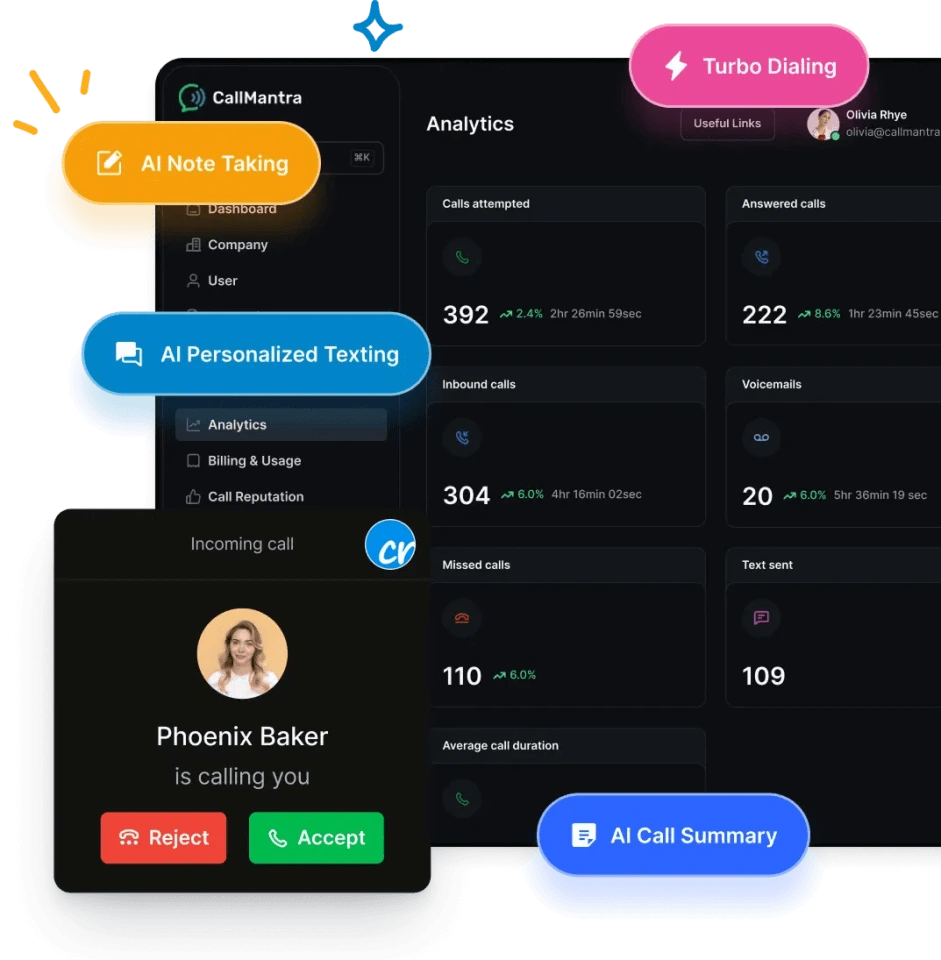
CallMantra’s auto call logging for Crelate automatically captures every recruiter call, both inbound and outbound, and syncs it to the right candidate, contact, or job record instantly.
 No long contracts
Free number porting
Try all our AI features for free
No long contracts
Free number porting
Try all our AI features for free
Why recruiters need auto call logging inside Crelate
Recruiters spend hours each day typing call notes and updating Crelate manually – a time-consuming process that often leads to missing data and inconsistent reporting.Common challenges recruiting teams face

How auto call logging works with Crelate
- Step 1: Call directly from CallMantraRecruiters place or receive calls using CallMantra’s integrated dialer.
- Step 2: AI listens and captures detailsAs the recruiter speaks, the AI identifies and extracts key information like skills, job title, salary expectations, and availability.
- Step 3: Automatic sync to CrelateOnce the call ends, the system logs the call, adds timestamps, and pushes AI-generated notes into the correct Crelate record.
- Step 4: Manager visibilityRecruiters and managers can instantly see all call activities, outcomes, and summaries inside Crelate’s dashboards and reports.
Manual call logging vs Crelate auto call logging
| Capability | Manual call logging | CallMantra auto call logging |
|---|---|---|
|
Logging method
|
 Manual typing after calls
|
Automatic AI-powered sync
|
|
Accuracy
|
Inconsistent
|
95%+ accurate
|
|
Time per call
|
5–10 minutes
|
0 minutes
|
|
Data sync
|
Manual
|
Real-time
|
|
Team visibility
|
Delayed
|
Instant
|
|
AI summaries
|
Not available
|
Included
|
|
Recruiter productivity
|
Limited
|
Scalable and automated
|
The difference teams see after switching to CallMantra
Recruiters who switch from manual logging to CallMantra report dramatic improvements in speed, accuracy, and accountability.
Instead of spending hours updating Crelate records, recruiters now end their day with:
- Every call automatically logged and summarized
- Zero missing activity data
- Cleaner candidate records in Crelate that improve matching and follow-ups
- Managers getting live visibility into recruiter performance and conversations
Why recruiters love CallMantra
“We used to chase recruiters for call notes every evening. Now, every call is logged and summarized automatically inside Crelate – it’s a complete shift in productivity.”

Mark Riley

Recruiting Lead
“Before CallMantra, our reports never matched reality. Recruiters forgot to log calls or entered incomplete notes. Now everything syncs automatically in Crelate, and our dashboards finally reflect what’s actually happening.”

Ryan Tigwell
Operations Lead, Nova Talent
“We were drowning in admin work – call notes, outcomes, follow-ups, it never ended. Now every recruiter call is summarized, logged, and visible in Crelate automatically. It’s like hiring a virtual assistant for every recruiter.”

Emma S
Head of Talent, Just Recruit
Frequently asked questions
Yes. Every recruiter call, whether inbound or outbound, is automatically captured and synced to the right record in Crelate.
Absolutely. Managers can view every recruiter’s call activity, duration, and outcome inside CallMantra in real time. This makes it easier to monitor performance, coach teams, and identify high or low performers without manual check-ins or data cleanup.
Yes. CallMantra’s platform unifies calling, texting, and AI summaries in one place. Recruiters can make a call, send a follow-up text, and view all data in the same record without using different tools.
Most staffing firms report 2–3 extra hours saved per recruiter daily, 100% data capture, and faster time-to-fill. The AI summaries also reduce manager review time by up to 50%, helping teams close more roles with the same headcount.
Yes. Every call summary and AI note is visible inside CallMantra and Crelate.
Start automating recruiter call logs with CallMantra
Let AI take care of call logging while your recruiters focus on what matters most – building stronger candidate relationships.